Photographing Crocs for a support request
Take clear context and detail photos for a Crocs support request. Keep accurate originals, explain the issue and share order information privately.
On this page
When you contact a seller about a problem with a pair of Crocs, a clear photograph can make your description easier to follow. Start with the whole shoe, then show the area you want the support team to inspect. Keep the original files and explain what you noticed. A photograph records visible condition; it does not establish the cause of a problem or guarantee a particular outcome.
Check what the support team actually needs
The Crocs Singapore FAQ asks customers reporting defective shoes to describe the problem and attach a picture. The Crocs Australia FAQ similarly asks for a description and a photograph showing the problem. These are regional instructions, not a single worldwide procedure. Check the current page for your purchase promptly, including any deadlines and condition requirements.
Start with the seller shown on your receipt and use its verified private support channel. If the form specifies views, file formats or upload limits, follow those instructions. The photo plan below is our practical organising method, not a required Crocs form. It focuses on documenting the item; our returns guide covers arranging the return itself.
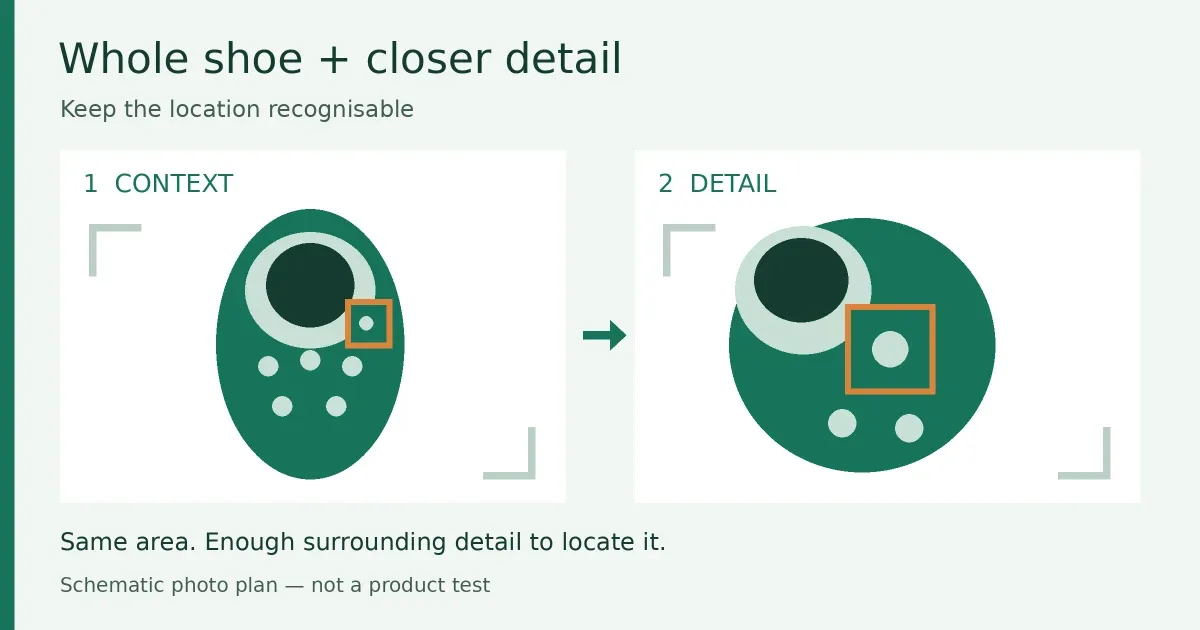
Take a context picture before moving closer
Place the shoes on a plain surface with enough even light to see them clearly. Avoid a bright reflection that hides the area you are photographing. Check the picture on your screen before continuing: can you see which shoe it is and where the area sits? Include the matching shoe when a side-by-side view helps explain a difference, without assuming the difference proves a defect.
Next, take a closer picture that still includes a recognisable part of the shoe. If the camera will not focus, move back a little and try again instead of sending an indistinct close-up. Use another angle when it reveals something the first picture hides. Do not bend, pull apart or alter a component to make a problem look more obvious.
| View | What to show |
|---|---|
| Whole item | The complete shoe or pair, so the close-up has context. |
| Closer detail | The specific area, in focus, with nearby features still visible. |
| Another angle | A side or underside view only if it clarifies the same issue. |
| Item information | Relevant size or model markings, or an attached tag, if requested. |
| Packaging | Its condition when relevant to an arrival problem; keep address labels out of general item pictures. |
Keep an accurate original
Photograph the condition you are reporting before cleaning or attempting a repair. Describe wear honestly. Do not use filters, retouching or AI image tools to remove marks, reconstruct a hidden area or change the apparent colour. If an annotated copy helps point out a location, keep the untouched version too and label the copy clearly.
Save useful filenames such as “left-shoe-whole” and “left-strap-detail”. Keep the original resolution privately. If the support form needs a smaller file, make a separate copy and check that the important detail remains readable after resizing. A handful of purposeful images is easier to explain than a collection of nearly identical shots.
Pair the photos with a short, factual message
State the item, the date you noticed the issue, where it is and what the attached pictures show. Separate observations from guesses. “The left strap is detached at this point” describes something visible; “the factory used faulty material” asserts a cause the picture alone cannot establish.
A message might read: “I noticed [issue] on [date]. Image 1 shows the pair and image 2 shows the area on the left shoe. The shoes have [accurate use history]. Please tell me whether you need another view and what I should do next.” Supply the order reference where the verified support process requests it.
Share privately and keep the reply
Before uploading, inspect the background and any paperwork for addresses, account details or other people's information. Send only what the support team needs through its verified channel. Do not post receipts, parcel labels or order references in public comments, and never include a password or payment-card details.
Keep the sent images with the support reply and case reference. If the question concerns a missing parcel rather than the shoe's condition, use our order-tracking guide to organise the shipment record.
Practical takeaway
Show context, show the detail, describe it accurately and ask for the next step. CrocsDeal is an independent publication, not Crocs customer service; do not send us your order documents. Regional source instructions consulted 26 October 2026. The illustration is a schematic photo plan, not a product photograph or evidence of a defect.
Sources
- Crocs Singapore customer-service FAQ, Crocs Singapore
- Crocs Australia customer-service FAQ, Crocs Australia
Continue reading
Related articles
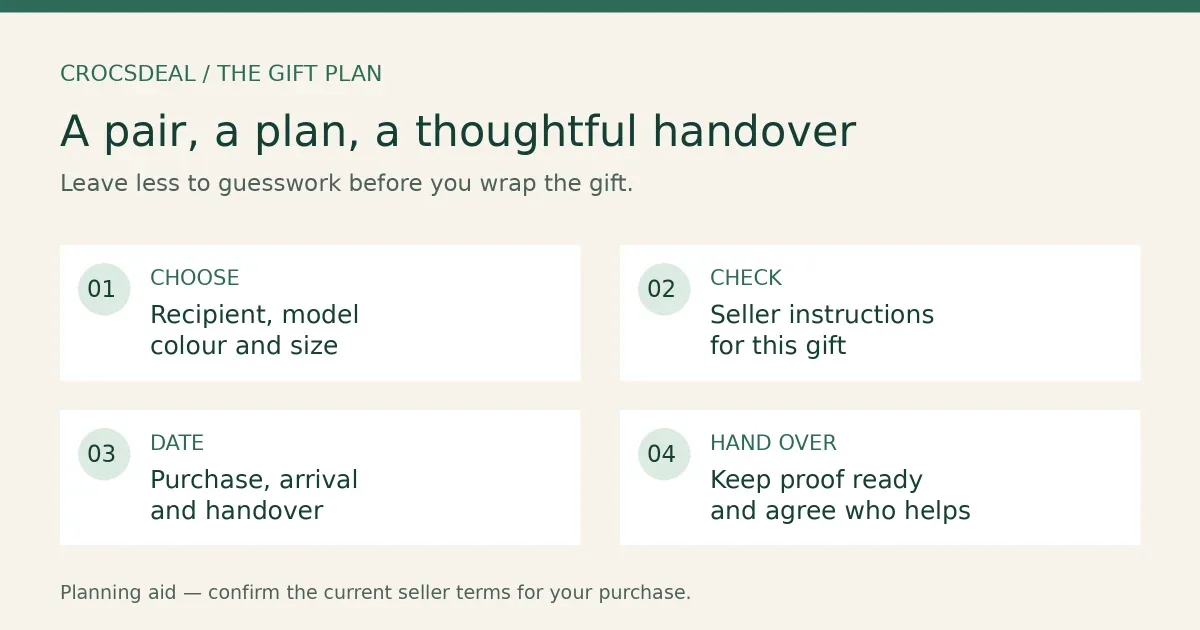
Giving Crocs as a gift: plan the handover
Plan a Crocs gift around the recipient, seller and handover date. Keep purchase proof ready and confirm what happens if the size needs changing.
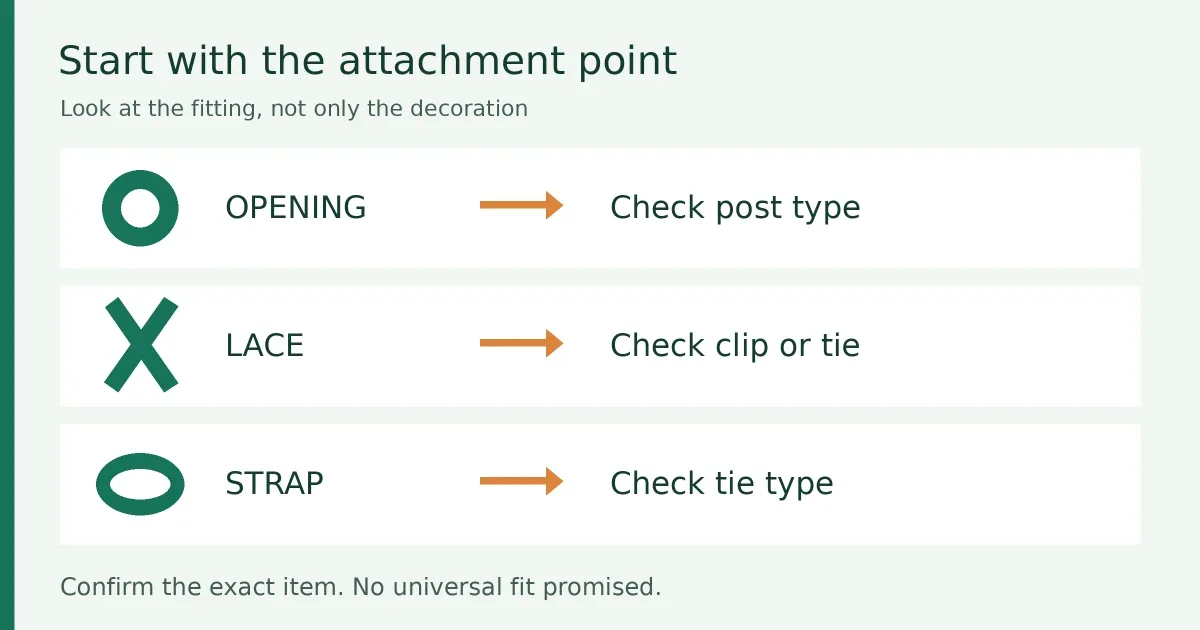
Choosing shoe charms: check the backing first
Match a shoe charm to its intended opening, lace or strap. Check the backing, listing photos, package contents and age notice before buying.
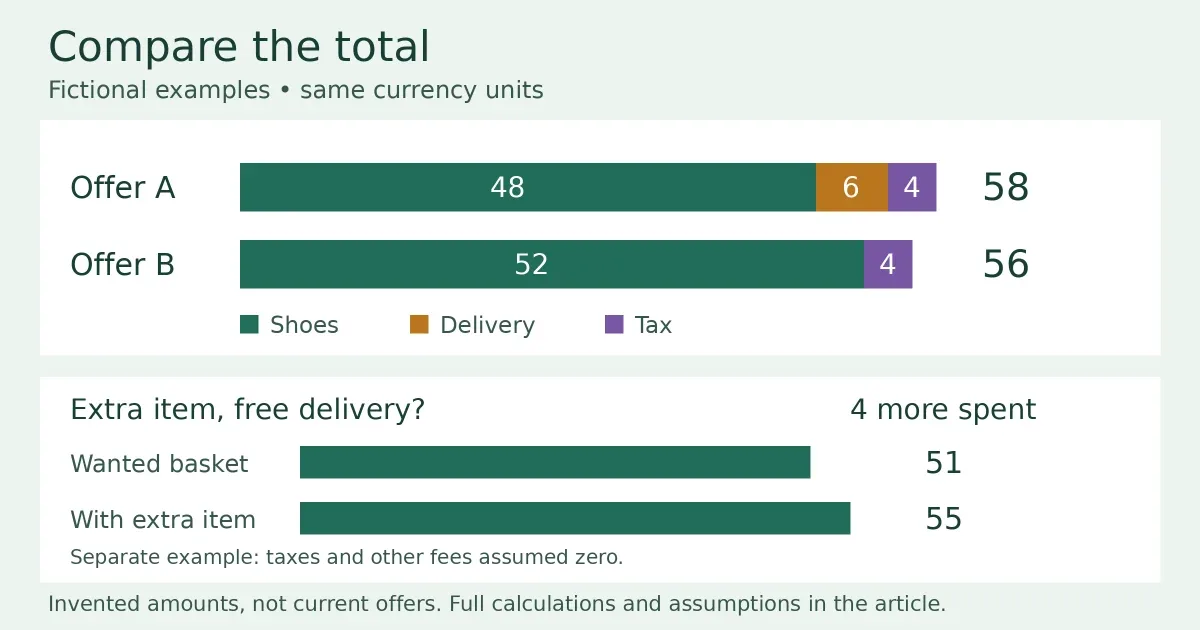
Compare Crocs checkout totals, not headline prices
Use two fictional worked examples to compare delivery charges and free-shipping thresholds. Check matching baskets and keep unknown costs visible.