Tracking a Crocs order: receipts, parcels and delivery
Find the right Crocs order-tracking route, separate purchase and parcel updates, and prepare a clear support message using US and Singapore examples.
On this page
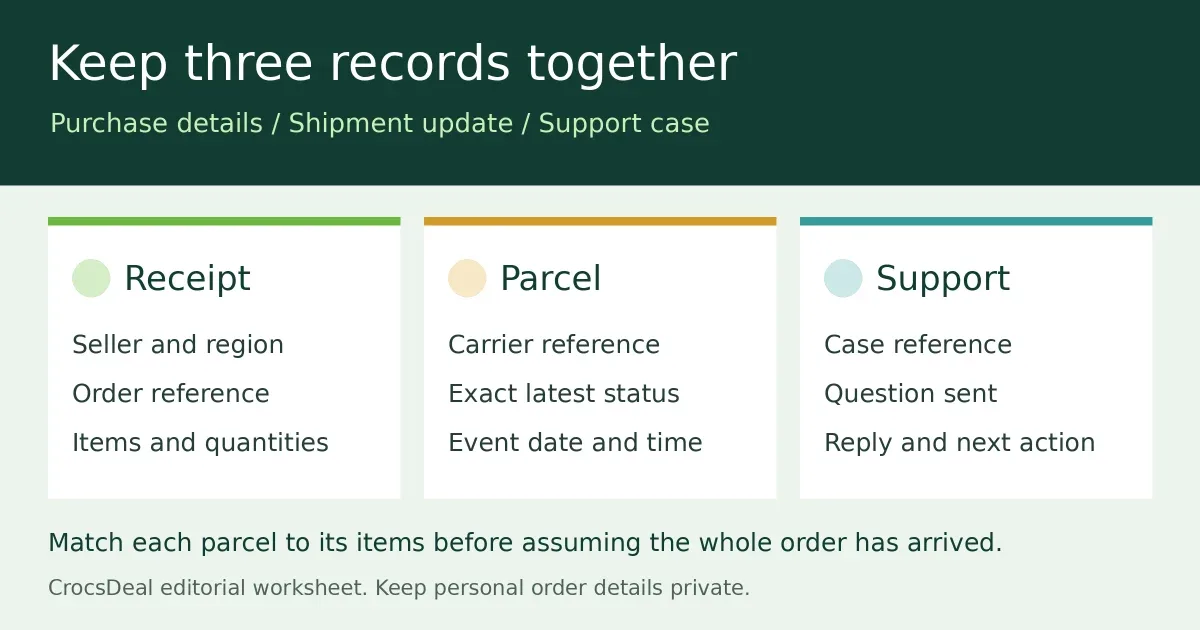
When a Crocs order seems stuck, put the order receipt and parcel tracking side by side. They answer different questions: what the seller recorded, which items have a shipment reference, and what the carrier last reported. A short record makes the next support conversation more useful than repeatedly refreshing an estimated arrival date.
This guide explains how to organise that information. CrocsDeal is an independent publication, not a Crocs order-tracking service. Do not send us your order number, account password, delivery address or parcel label.
Open the support route for the seller you used
Start with the business and regional website on your receipt. A pair bought from another retailer or marketplace belongs in that seller's order system. Looking for it on a manufacturer's regional website may leave you checking the wrong records.
The US Crocs FAQ describes two tracking routes: signed-in order history, or the Order Status link using the order number and email address. From the order details, follow the shipment's tracking number. The FAQ specifically tells customers to preserve capital letters in the CUS suffix when entering that type of order number.
The Singapore FAQ also describes tracking with an order number and email address. It says the order number is in the purchase confirmation email; if that email never arrived, contact its customer service with the order date and items ordered. These examples concern their respective websites, not every store selling the brand.
Separate the order from its parcel updates
Copy each reference into the correct field before contacting support. An order number identifies your purchase in the seller's system. A carrier tracking reference identifies the shipment shown on that tracking service. Keep any case number from a previous support conversation in a third field.
| Record | What to compare |
|---|---|
| Receipt | Seller, order date, item, size, colour and quantity. |
| Order details | Current status, listed items and any shipment references. |
| Carrier update | Exact status wording, event time and any delivery instructions. |
| Support record | Case reference, last reply and the next action requested. |
If the order page lists several tracking references, check the items associated with each rather than assuming the first parcel contains everything. If it does not explain which items shipped, ask the seller. Do not infer a split shipment or cancellation just because a box contains fewer items than expected.
Use dates and status messages carefully
Write down the carrier's latest event exactly, including its date. Keep an estimated delivery date in a separate note: it is not a record that a parcel arrived. When the status is unclear, ask the seller or carrier what that particular message means for the shipment.
The Singapore FAQ gives an average delivery estimate of two to four business days and says orders are processed Monday to Friday, excluding public holidays. Treat that as a regional estimate, not a guaranteed appointment or a rule for a US order. Use the current order-specific information when following up; avoid inventing a universal waiting period for every missing scan.
If tracking says delivered but you cannot find the parcel, check any delivery location or proof supplied in the tracking record, then contact the relevant seller or carrier through its official support channel. Record what you observed without accusing a neighbour or driver. This checklist does not determine liability or promise a refund or replacement.
Send one clear support message
A useful message can be brief: “My order is [reference]. The tracking page last showed [status] at [date/time]. I received [items or no parcel]. Please confirm the next step and which reference I should use.” Provide personal details only through the seller's verified private channel, and retain its reply.
For a wrong item, compare the receipt with what arrived and describe the difference accurately. For a damaged parcel or item, retain relevant packaging and photographs while asking for instructions. Avoid posting an unredacted screenshot or shipping label publicly.
Practical takeaway
Keep the receipt, shipment update and support case together, with one clear unanswered question. Once the shoes arrive, our size and fit guide can help you plan an indoor try-on, and the care guide explains how cleaning methods vary by material. Check the seller's return conditions before wearing or cleaning a pair you may send back.
Regional sources checked 25 October 2026. Website labels and delivery information can change; follow the current instructions for your own order.
Sources
- Crocs US customer-service FAQ, Crocs US
- Crocs Singapore customer-service FAQ, Crocs Singapore
Continue reading
Related articles
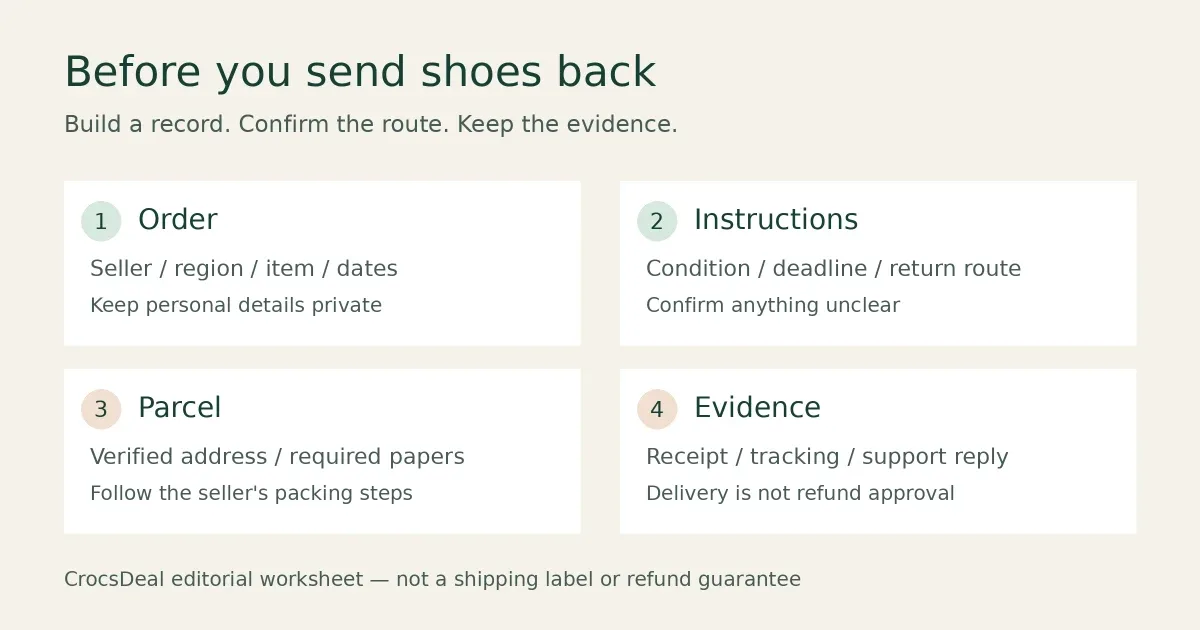
Returning Crocs: seller, route and paperwork checklist
Prepare a Crocs return with the right seller, regional instructions, condition checks and tracking record. Compare US and Singapore routes without guessing.
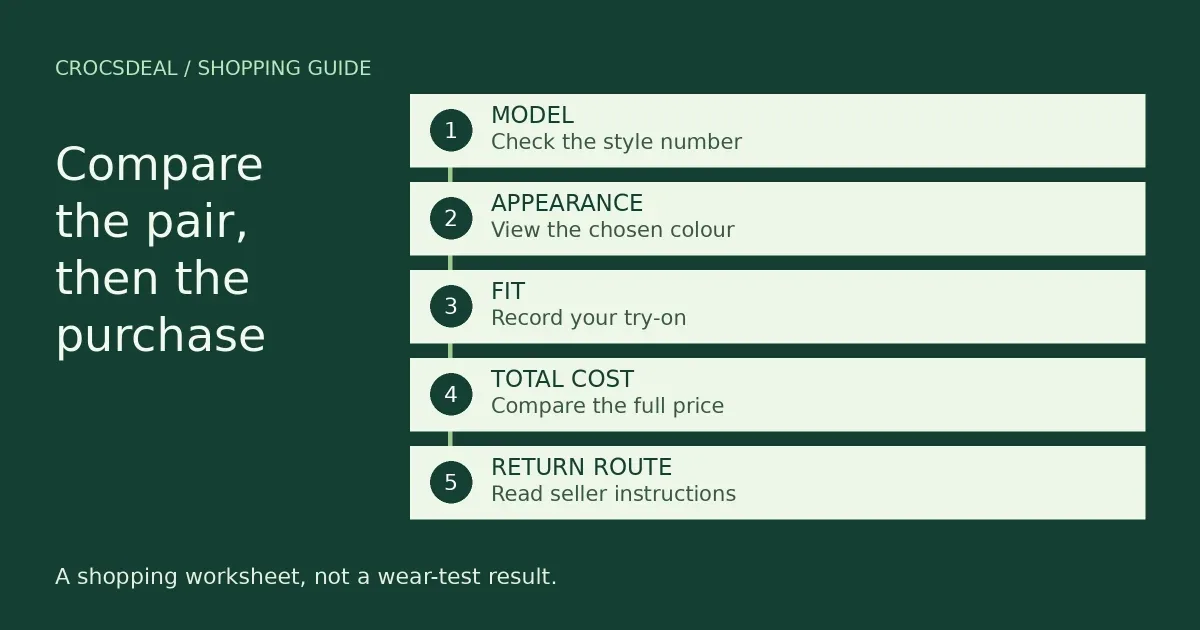
Classic vs Crocband clogs: what to compare before buying
Compare Classic and Crocband clog listings, separate shared features from personal fit, and use a five-point worksheet before choosing your pair.
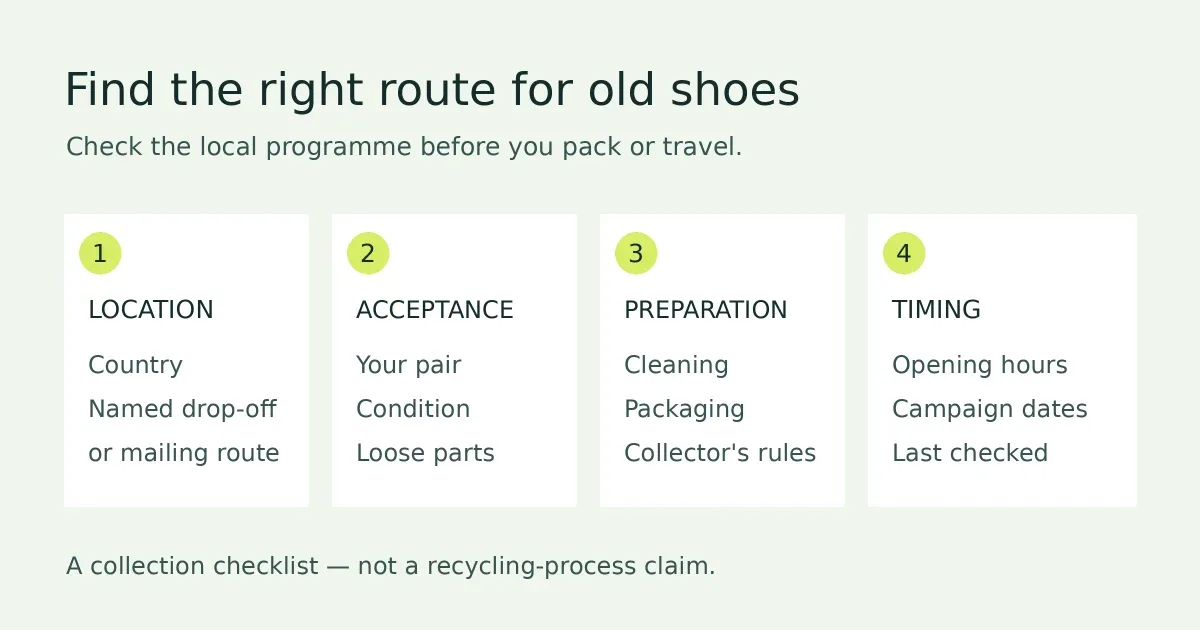
What to do with old Crocs: take-back options and checks
Check Crocs take-back options in the US and Singapore, distinguish collection from recycling, and prepare a pair without assuming every scheme accepts it.